- Today
- Holidays
- Birthdays
- Reminders
- Cities
- Atlanta
- Austin
- Baltimore
- Berwyn
- Beverly Hills
- Birmingham
- Boston
- Brooklyn
- Buffalo
- Charlotte
- Chicago
- Cincinnati
- Cleveland
- Columbus
- Dallas
- Denver
- Detroit
- Fort Worth
- Houston
- Indianapolis
- Knoxville
- Las Vegas
- Los Angeles
- Louisville
- Madison
- Memphis
- Miami
- Milwaukee
- Minneapolis
- Nashville
- New Orleans
- New York
- Omaha
- Orlando
- Philadelphia
- Phoenix
- Pittsburgh
- Portland
- Raleigh
- Richmond
- Rutherford
- Sacramento
- Salt Lake City
- San Antonio
- San Diego
- San Francisco
- San Jose
- Seattle
- Tampa
- Tucson
- Washington
New Castle Today
By the People, for the People
Android Auto Notifications: Smart, Safe Ways to Stay Updated While Driving
Mastering Android Auto's Customizable Notification Settings for a Safer Driving Experience
Apr. 10, 2026 at 12:37pm
Got story updates? Submit your updates here. ›
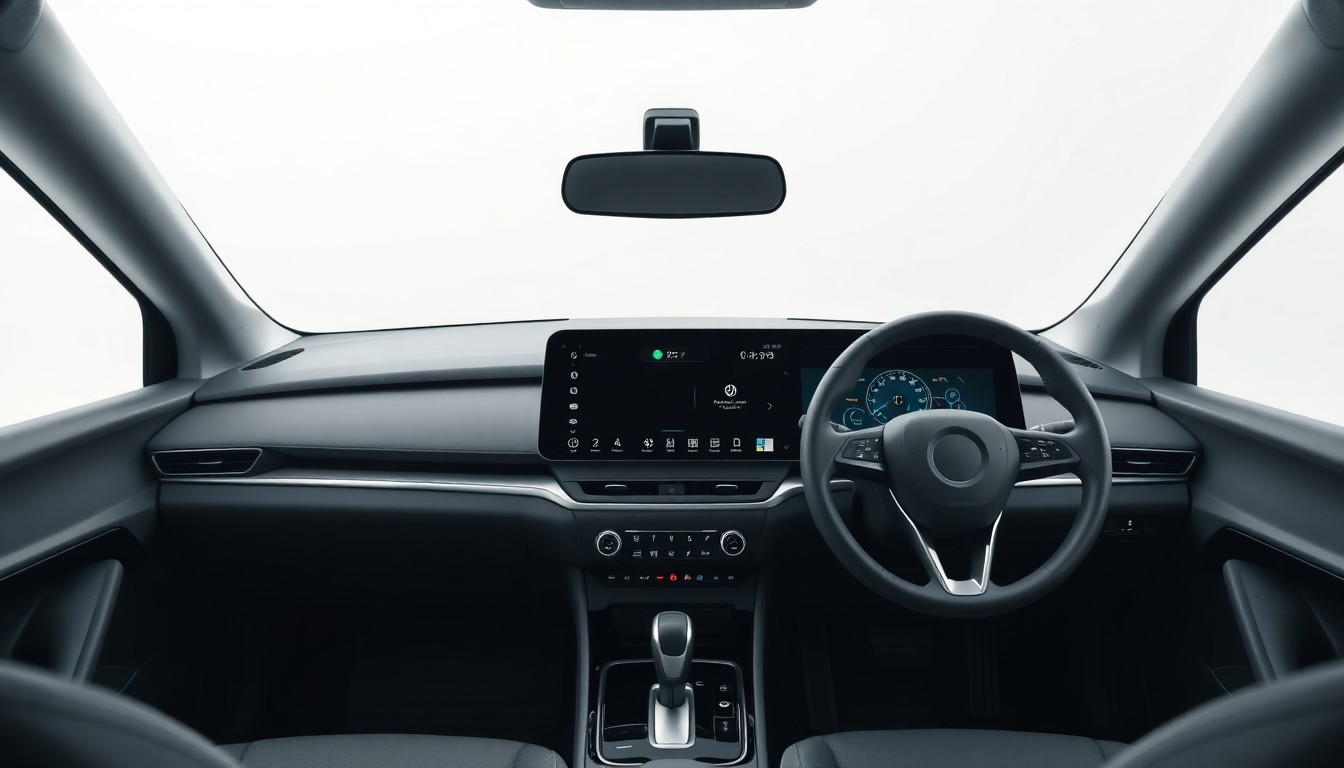 Android Auto's customizable notification settings empower drivers to stay connected without compromising road safety.New Castle Today
Android Auto offers a range of customizable notification settings to help drivers strike a balance between staying connected and keeping their eyes on the road. This comprehensive guide explores how Pixel and Samsung Galaxy users can personalize their notifications for a safer and more enjoyable driving experience, including options to allow only important messages, have incoming texts read aloud, and fine-tune the Android Auto interface to minimize distractions.
Why it matters
As drivers become increasingly reliant on their smartphones, finding the right balance between connectivity and road safety is crucial. Android Auto's notification settings empower users to stay informed without compromising their focus, making for a more responsible and enjoyable driving experience.
The details
For Pixel users, the Driving mode in the Settings app allows customization of notification settings, including the ability to enable the mode based on Bluetooth connectivity or motion detection. Samsung Galaxy owners can access similar controls through the Driving mode in Modes and Routines. Both platforms offer the option to select which apps or contacts can send notifications, as well as whether to show message previews or have them read aloud. Additional Android Auto settings, such as limiting the number of available apps and enabling taskbar widgets, can further enhance the driving experience.
- Android Auto's notification customization features have been available since the platform's launch in 2015, with regular updates and improvements over the years.
The players
Android Auto
A platform developed by Google that allows drivers to access various apps and services on their vehicle's infotainment system, with a focus on minimizing distractions and promoting safe driving.
The technology company that developed Android Auto and continues to enhance the platform's features and capabilities.
Samsung
The electronics giant that offers its own Driving mode feature on its Galaxy smartphones, providing an alternative to the standard Android Auto experience.
What’s next
As technology continues to evolve, it's likely that Android Auto and other in-vehicle platforms will introduce even more advanced notification management tools to further improve driver safety and connectivity.
The takeaway
By leveraging Android Auto's customizable notification settings, drivers can stay informed without compromising their focus on the road, creating a safer and more enjoyable driving experience.