- Today
- Holidays
- Birthdays
- Reminders
- Cities
- Atlanta
- Austin
- Baltimore
- Berwyn
- Beverly Hills
- Birmingham
- Boston
- Brooklyn
- Buffalo
- Charlotte
- Chicago
- Cincinnati
- Cleveland
- Columbus
- Dallas
- Denver
- Detroit
- Fort Worth
- Houston
- Indianapolis
- Knoxville
- Las Vegas
- Los Angeles
- Louisville
- Madison
- Memphis
- Miami
- Milwaukee
- Minneapolis
- Nashville
- New Orleans
- New York
- Omaha
- Orlando
- Philadelphia
- Phoenix
- Pittsburgh
- Portland
- Raleigh
- Richmond
- Rutherford
- Sacramento
- Salt Lake City
- San Antonio
- San Diego
- San Francisco
- San Jose
- Seattle
- Tampa
- Tucson
- Washington
Pixel Phones Made Easier for Seniors with 'Simple View' Feature
A customization solution to enhance accessibility and user experience for older users
Apr. 11, 2026 at 6:13am
Got story updates? Submit your updates here. ›
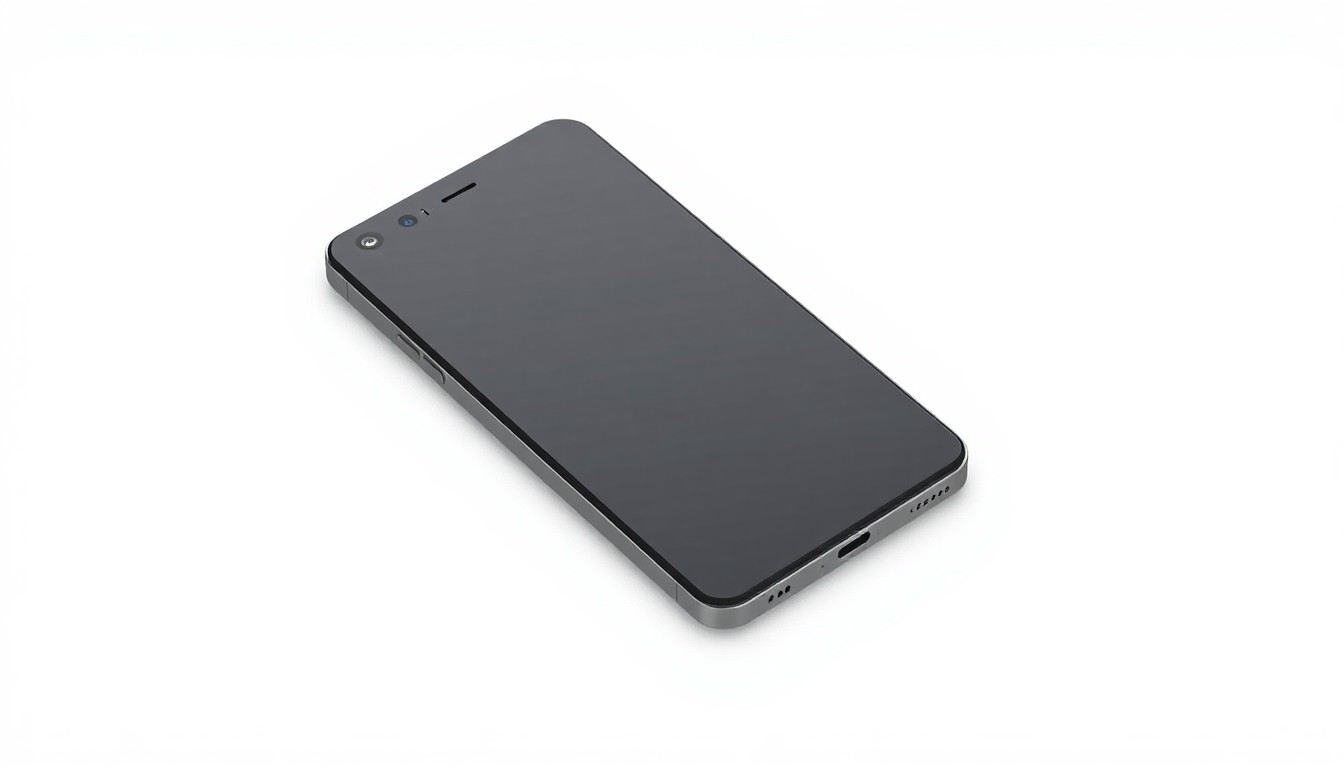 A minimalist, high-tech design showcases the accessibility features that make the Pixel phone more user-friendly for seniors.San Jose Today
A Google Pixel user shares how they enabled the 'Simple View' feature to make their parents' smartphones more user-friendly. The feature increases text and icon sizes, simplifies the home screen layout, implements a three-button navigation system, and boosts touch sensitivity - all to provide a more accessible experience for seniors struggling with standard smartphone interfaces.
Why it matters
As technology continues to advance, ensuring accessibility and inclusivity for all users, especially older adults, is crucial. This story highlights how simple customization options can transform the usability of devices and empower seniors to fully utilize the capabilities of their smartphones.
The details
The author noticed their parents, who own Google Pixel phones, were having difficulty navigating the standard interface. The smaller fonts and cluttered layout proved challenging for their aging eyes and dexterity. This led the author to explore the Pixel's accessibility settings, where they discovered the 'Simple View' feature. Simple View enhances the user experience by increasing text and icon sizes, simplifying the home screen, implementing a three-button navigation system, boosting touch sensitivity, and providing quick access to essential apps. The author enabled this feature during the initial Pixel setup to ensure the full experience, including larger app grids and high-contrast wallpapers.
- The author first noticed their parents' struggles with their Pixel phones.
- The 'Simple View' feature is available on the 'Welcome to your Pixel' screen during initial setup.
- Enabling Simple View after initial setup requires a device reset to access all the exclusive features.
The players
The author
A Google Pixel user who recognized the need to enhance the user experience for their aging parents.
The author's parents
Older adults who found the standard Pixel interface challenging to navigate, inspiring the author to explore accessibility solutions.
Google Pixel
The flagship smartphone line from Google, known for its AI capabilities and advanced features.
What they’re saying
“Accessibility settings are not just for those with visual impairments. They are for anyone who wants a more tailored, user-friendly experience.”
— The author
What’s next
The author encourages readers to consider enabling the Simple View feature for their own loved ones who may struggle with standard smartphone interfaces, emphasizing that accessibility settings can benefit anyone seeking a more personalized and user-friendly experience.
The takeaway
This story highlights the importance of accessibility and customization in technology, demonstrating how simple features like Simple View can transform the user experience for older adults and empower them to fully utilize the capabilities of their smartphones.
San Jose top stories


San Jose events


Apr. 11, 2026
San Jose Sharks vs. Vancouver Canucks
Apr. 11, 2026
Anthony Jeselnik